.png?alt=media) ) will be enabled (upper-right of the table).
You can also filter samples down into only those you want to be part of your sample group by clicking the filter icon at the top of each visible column or clicking **Filters** icon above the table
) will be enabled (upper-right of the table).
You can also filter samples down into only those you want to be part of your sample group by clicking the filter icon at the top of each visible column or clicking **Filters** icon above the table  to filter all columns based on metadata attributes.
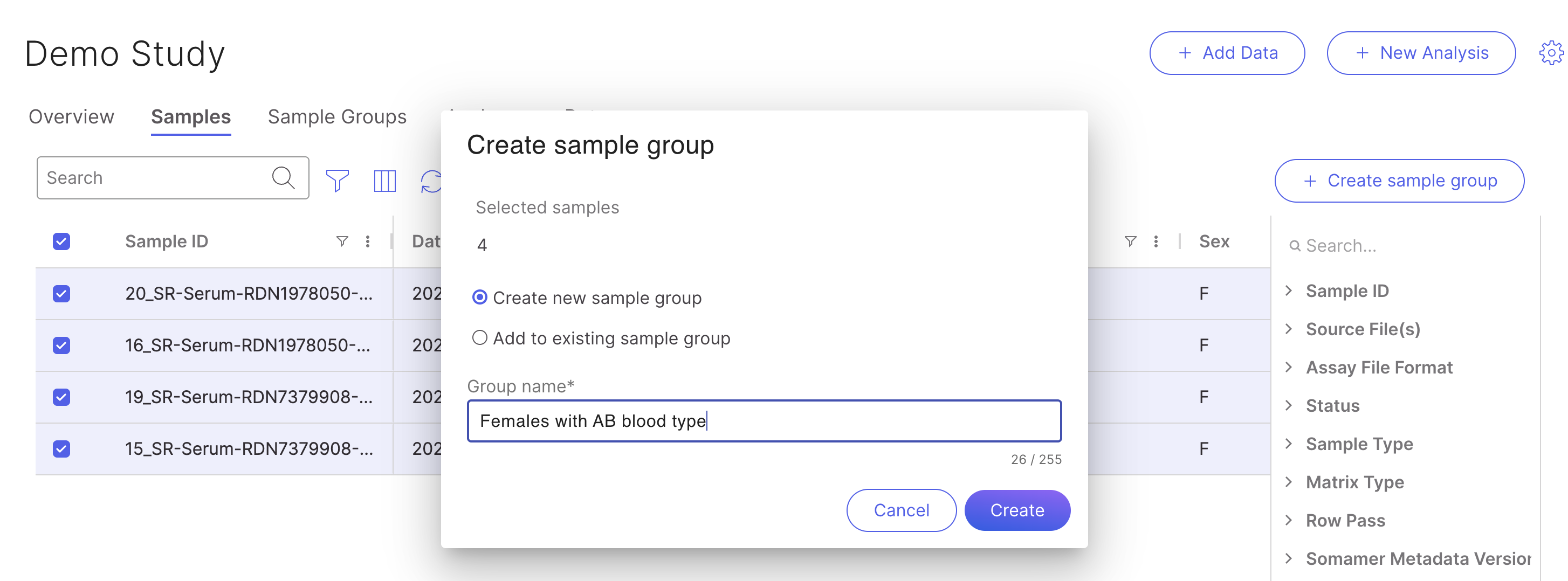
Select all by clicking the check marks on the left-hand side. Now, click
to filter all columns based on metadata attributes.
Select all by clicking the check marks on the left-hand side. Now, click %20(1)%20(1).png?alt=media) to create a sample group. Choose to create a new sample group or add to an existing sample group. Give the sample group a name and click
to create a sample group. Choose to create a new sample group or add to an existing sample group. Give the sample group a name and click %20(1)%20(1).png?alt=media) .
.
| Icon | Action |
|---|---|
%20(1)%20(1).png?alt=media) | Opens a pop-up with details of your sample group.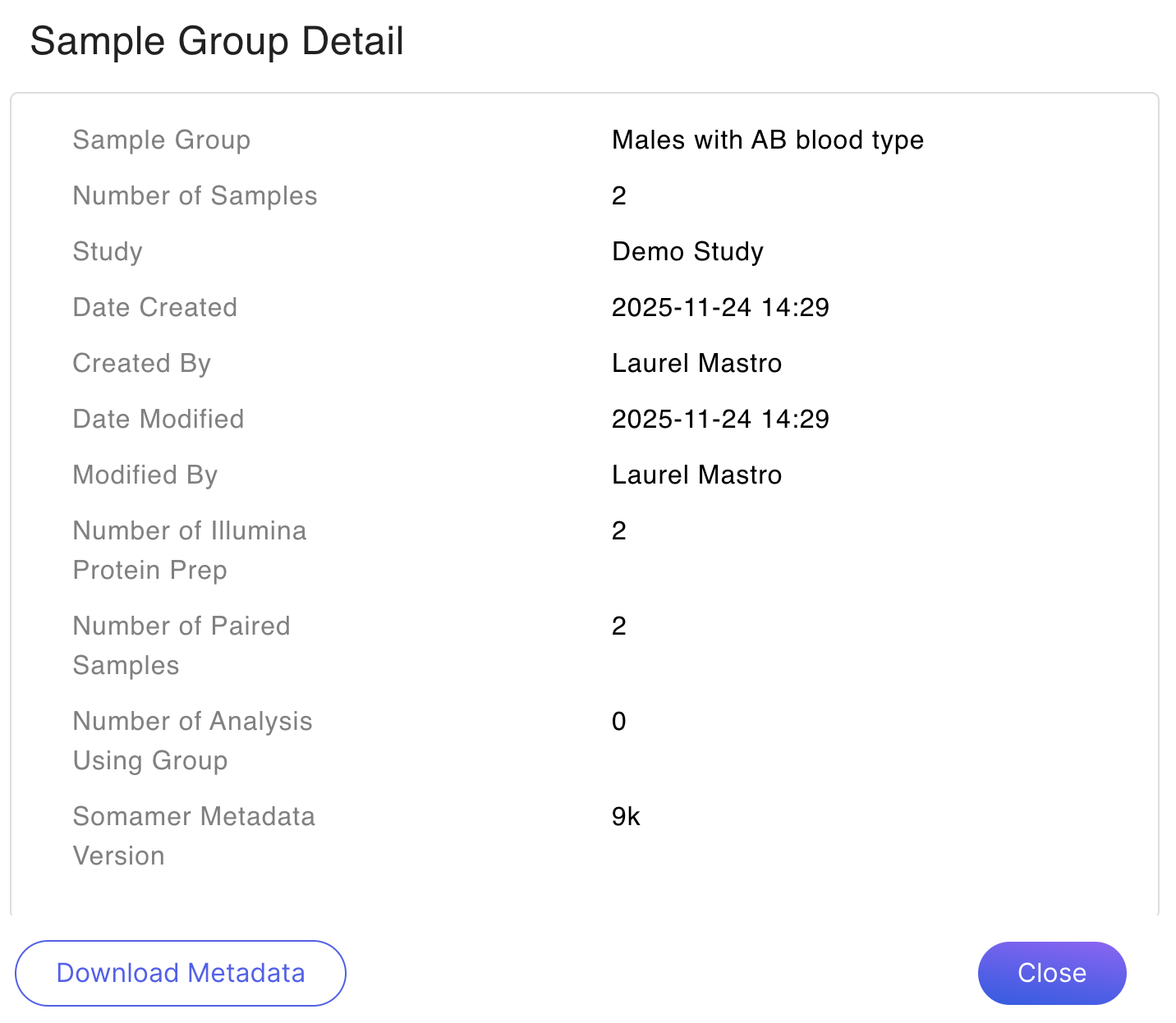 |
%20(1)%20(1).png?alt=media) | Allows you to edit the sample group's name.%20(1).png?alt=media) |
 Allows you to delete the sample group. |